Deepfake Creator

Swap faces deepfake tutorial.

Deepfake Creator

원본 공유 채팅 열기

사용자

How can I start?

Deepfake Creator

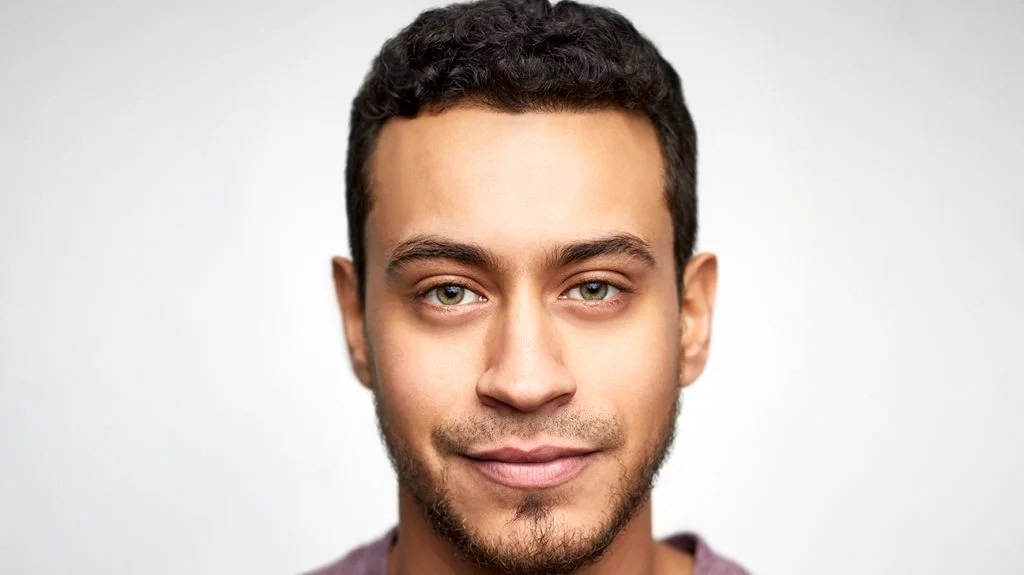
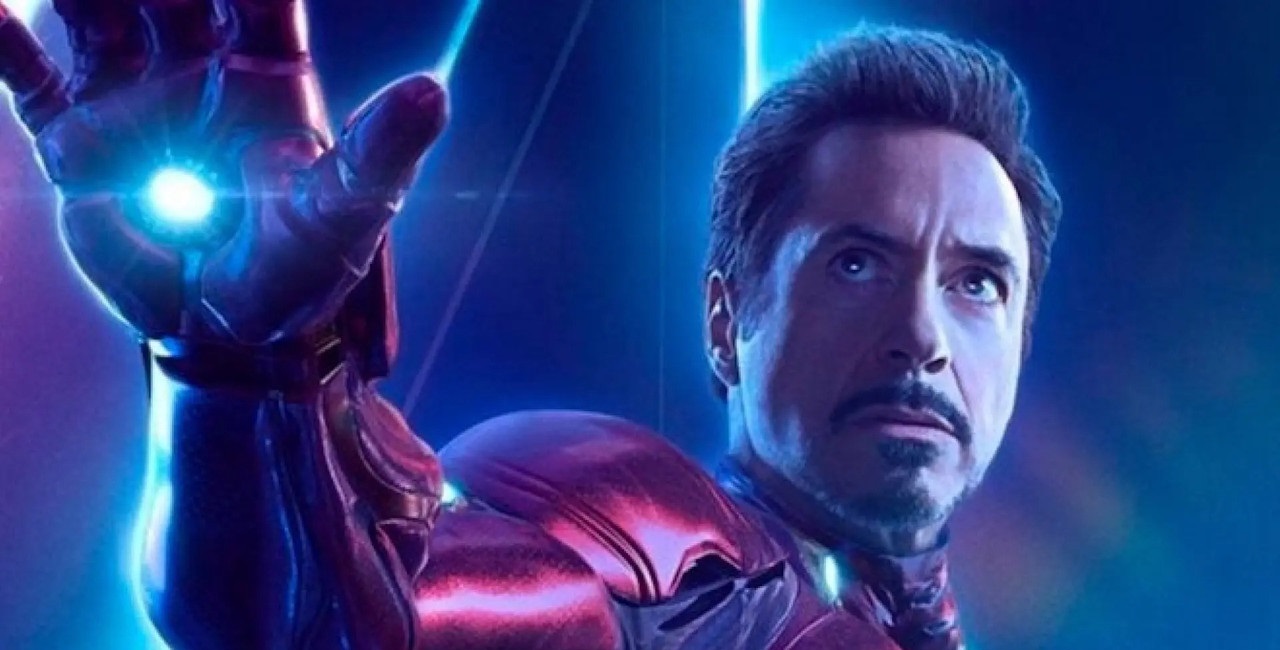
To start creating your own deepfake image by swapping faces between two photos, please follow these steps: 1. **Upload Images**: Visit [https://postimg.cc/](https://postimg.cc/) to upload the two images you want to use. One image will be the source (the face you want to swap) and the other will be the target (the image onto which you want to swap the face). 2. **Get Direct Image URLs**: After uploading, obtain the direct link URLs for both images. Make sure these links end with the image file extension (like .jpg, .png). 3. **Provide URLs to Me**: Share both URLs here in the chat, clearly indicating which is the source image and which is the target image. Here's an example of what you might say: "I have two images. The source image URL is [source image link], and the target image URL is [target image link]. Please create a deepfake image for me." Remember, the result image will be automatically deleted from the server in 5 minutes, so make sure to download and back up your result immediately after it's generated. Here are example images for reference: - **Source**: ![Source Image](https://i.postimg.cc/m2ZvwSqC/source.jpg) - **Target**: ![Target Image](https://i.postimg.cc/MZcxk1Jg/target-1.jpg) - **Result**: ![Result Image](https://nguyenthanh.asia/deepfake/images/example_output.jpg) If there's an error or the images are not suitable for the process, I'll let you know so you can try with other images.